← Back to Sabrina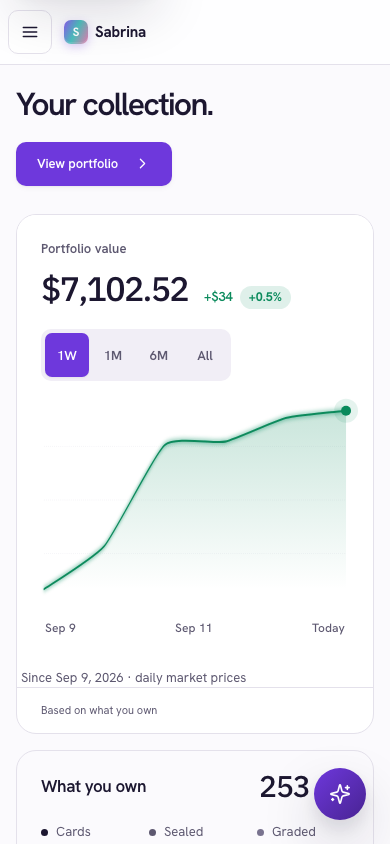
Put Sabrina on your phone
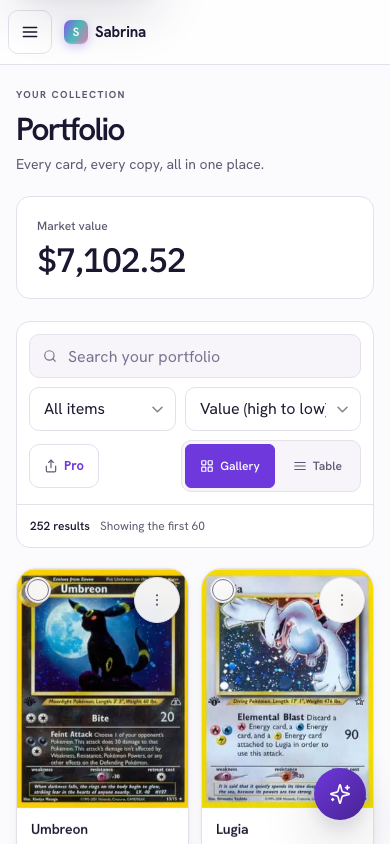
One account, every device. Your portfolio, prices and cost basis are the same on the web, on iPhone and on Android.
Android
Sabrina installs straight from Chrome. No store, no download, about ten seconds.
- Open getsabrina.com in Chrome and sign in.
- Tap Install Sabrina when the banner appears on your Home screen, or open Chrome's menu (the three dots) and choose Install app or Add to Home screen.
- Confirm. Sabrina appears on your home screen and opens full screen, like any app.
Updates arrive on their own the next time you open it. If you cleared the banner, the Install button is also under Settings in the app.
iPhone
Get the app from the App Store, with the card scanner built in.
- Open the App Store and get Sabrina, or tap the button below.
- Sign in with the same account you use on the web.
Prefer the web app? In Safari, open getsabrina.com, tap Share, then Add to Home Screen.
Stuck? Email support@getsabrina.com and say which phone you have.